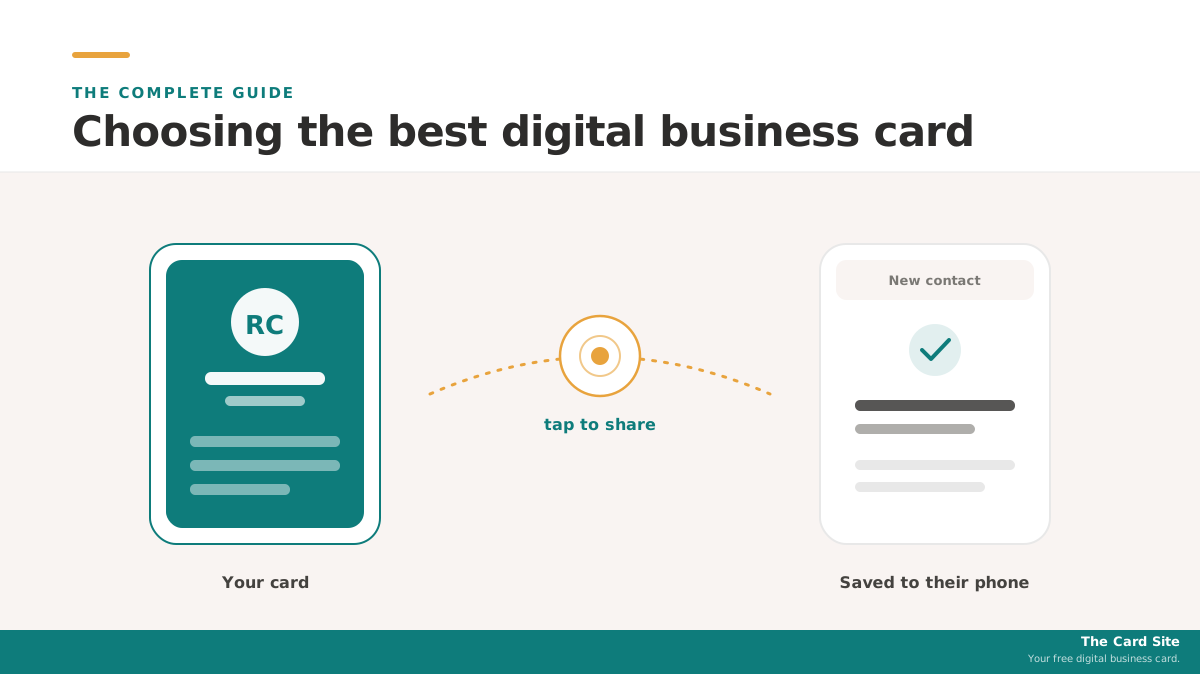
A paper business card has one job, and it fails at it constantly: someone takes your card, means to add you later, and never does. A digital business card fixes that by letting you share your details with a tap, a scan, or a link, straight into the other person's phone, where they will actually keep them. The category has grown into a real market: the digital business card market is projected to grow from about $199 million in 2025 to over $331 million by 2031, according to Mordor Intelligence. With that growth has come a crowded field of tools, all claiming to be the best.
This guide cuts through that. It explains how digital business cards actually work, what genuinely separates a good one from a forgettable one, and which tools are the best fit for different people. By the end you will know:
- What a digital business card is and why it beats paper for staying in someone's contacts
- The difference between an app-based card, a shareable link, and an NFC card
- What to look for before you pick one, so you do not overpay for features you will not use
- The best digital business cards for individuals, teams, iPhone, and Android
- How to set one up in a few minutes, even on a free plan
There is no single best digital business card for everyone, and any guide that crowns one universal winner is usually selling it. The right card depends on whether you are a solo networker, a sales team, or someone who wants a premium physical card. This guide gives you the honest picks for each.
The Card Site is reader-supported. Some links are affiliate links, so we may earn a commission if you buy, at no cost to you. It never changes our verdicts.
What Is a Digital Business Card?
A digital business card is a shareable version of your contact details that lives on your phone instead of on paper. Where a paper card forces the other person to type your details in by hand, a digital card sends them across instantly, so they can save you to their contacts in a tap or two. It typically includes your name, title, company, phone, email, links, and often a photo or logo.
There are three ways people usually share one, and most good tools support all three:
- A link or QR code. You send a link by text or email, or someone scans a QR code on your phone or screen. This works on any phone with a camera and a browser, no special hardware needed.
- An app and digital wallet. You build and manage your card in an app, and you can add it to Apple Wallet or Google Wallet so it is always a swipe away.
- An NFC card or tag. A physical card with a chip inside. You tap it on the back of someone's phone and your card pops up. This is the "tap to share" experience most people picture when they hear NFC business card.
Why does this matter? Because the whole point of a business card is to be kept, and digital cards are kept far more reliably than paper. They also update in one place: change jobs or numbers, and everyone who has your card sees the new details, with no reprint. Contactless behavior is now mainstream, too. In the NFC Forum's 2024 contactless usage study, more than 80% of people surveyed said they had used a phone or smartwatch to make a contactless payment, and 73% considered themselves familiar with NFC technology. Tapping a card to share contact details is the same gesture people already use to pay.
Digital Business Cards vs Paper: Why People Are Switching
Paper cards are cheap and familiar, and for a long time there was no real alternative. The problem is what happens after the handshake. A paper card has to be carried, found at the right moment, handed over, and then manually typed into a phone by someone who is probably busy. Most never make that last step, so the card ends up in a drawer or a bin.
Digital business cards remove the manual step. The recipient saves your details directly, which means your contact actually lands in their phone. A few other differences matter in practice:
- Always current. Update your title or number once, and every shared card reflects it. No stack of outdated paper.
- Richer than paper. You can include links to your site, calendar, portfolio, or socials, which a paper card cannot hold.
- Measurable. Many tools show you when your card was viewed or saved, which is useful at events and for sales.
- Lower waste. No printing runs, no reorders when a detail changes.
Here is the simple version of where each option fits.
| Approach | How it shares | Best for |
|---|---|---|
| Paper card | Hand it over, hope they type it in | Backup, traditional settings |
| Link / QR card | Text, email, or scan a code | Anyone, any phone, free |
| App + wallet card | Share from app or Apple/Google Wallet | Individuals who network often |
| NFC card | Tap on the back of a phone | Hardware-led networking, sales |
The honest take: most people do not need to abandon paper entirely on day one. A digital card with a free plan is a no-risk way to add the digital option alongside whatever you do now, and then drop the paper once you see how much better the follow-through is.
What to Look For in the Best Digital Business Card
Before you compare specific tools, it helps to know what actually separates a good digital business card from a gimmick. Six things matter most.
- A real free plan, not a trial. The best tools let you run a working card indefinitely for free. A trial that expires in two weeks is not the same thing. Start free, upgrade only if you hit a limit you care about.
- Pricing you can see. Some vendors publish every price on their site; others hide paid and team pricing behind a sales call. Published pricing lets you budget before you commit.
- Sharing that works for the other person. QR and link sharing work on any phone. NFC tap is slicker but needs the recipient's phone to support it (most modern phones do). The best card supports all of them so you are never stuck.
- Apple Wallet and Google Wallet support. This keeps your card one swipe away and signals the tool takes the mobile experience seriously.
- The right depth for you. A solo networker needs a clean card and easy sharing. A sales team needs lead capture that feeds a CRM and team-level analytics. Paying for team features you will not use is the most common mistake.
- Hardware that fits your style. If the physical card matters to how you present yourself, look for premium NFC options. If you mostly share by QR or link, hardware barely matters and you can skip it.
Keep these in mind as you read the picks below. They explain why there is no universal winner, only the best fit for how you actually network.
What Is the Best Digital Business Card? The Top Picks
The best digital business card depends on who you are. Below are the honest picks for the most common situations, drawn from the major tools in the category. Every tool here is a real, third-party product, recommended on merit.
| Best for | Tool | Why |
|---|---|---|
| Most people / solo | Blinq | Strong free plan, published pricing, fast setup |
| Teams with premium cards | Mobilo | Premium NFC, admin controls, CRM integrations |
| Sales teams + lead capture | Popl | Mature lead capture, CRM sync, wide hardware |
| A free app card | HiHello | Generous free tier, clean contact management |
| High-end physical cards | V1CE | Premium metal and printed NFC cards |
| QR codes + cards for teams | Uniqode | Digital cards inside a broader QR platform |
Best Digital Business Card for Most People: Blinq
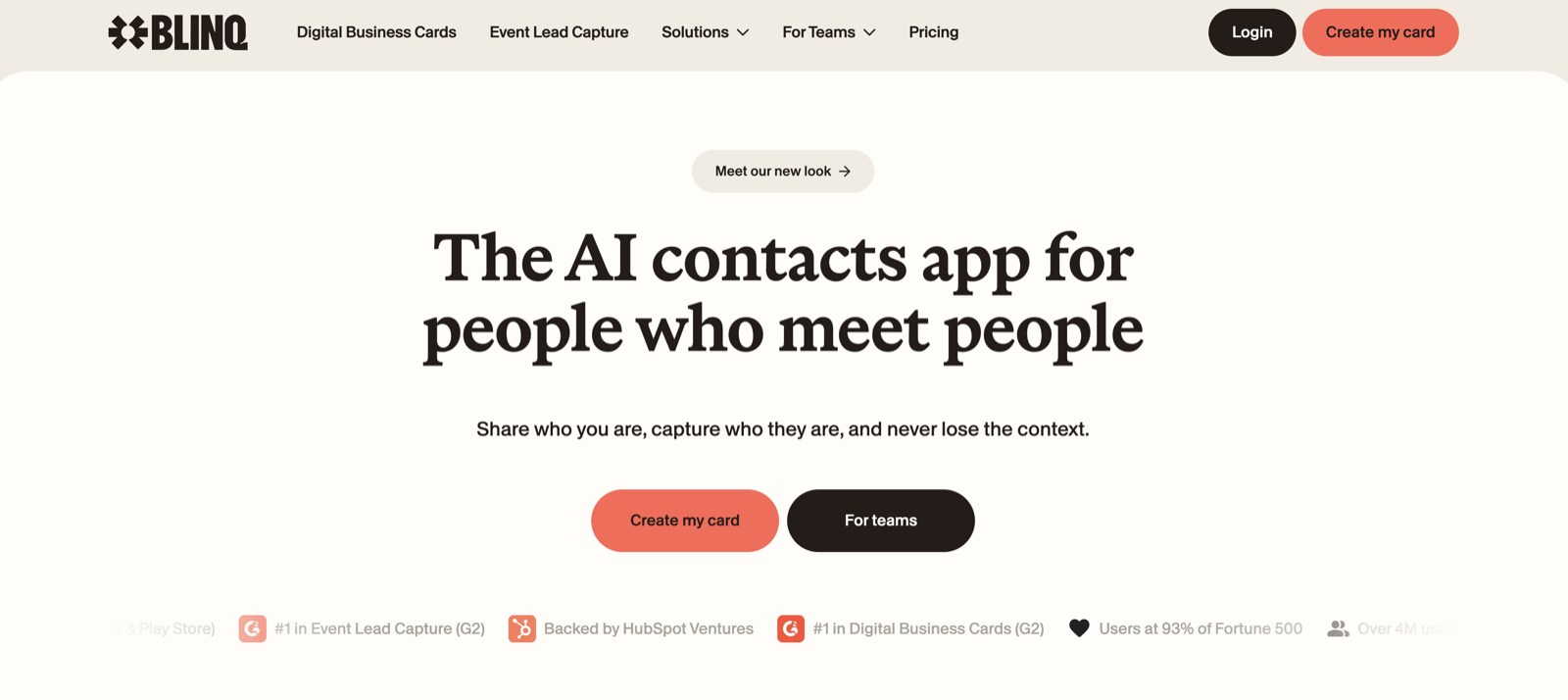
Blinq is the best starting point for most individuals. It is app-first and individual-first, with a free plan covering two cards, pricing published openly on its site, and a working card ready in under five minutes. Premium runs about $9.99 a month (roughly $7.33 billed annually) and adds extra cards, a contact scanner, and custom design, while a Business tier covers teams. For a freelancer, consultant, or networker, it hits the sweet spot of polish, price clarity, and low commitment. You can try Blinq free, or read our Popl vs Blinq comparison to see how it stacks up against the best-known name in the category.
Blinq
App-first card with a strong free tier and published pricing
Best Digital Business Card for Teams: Mobilo
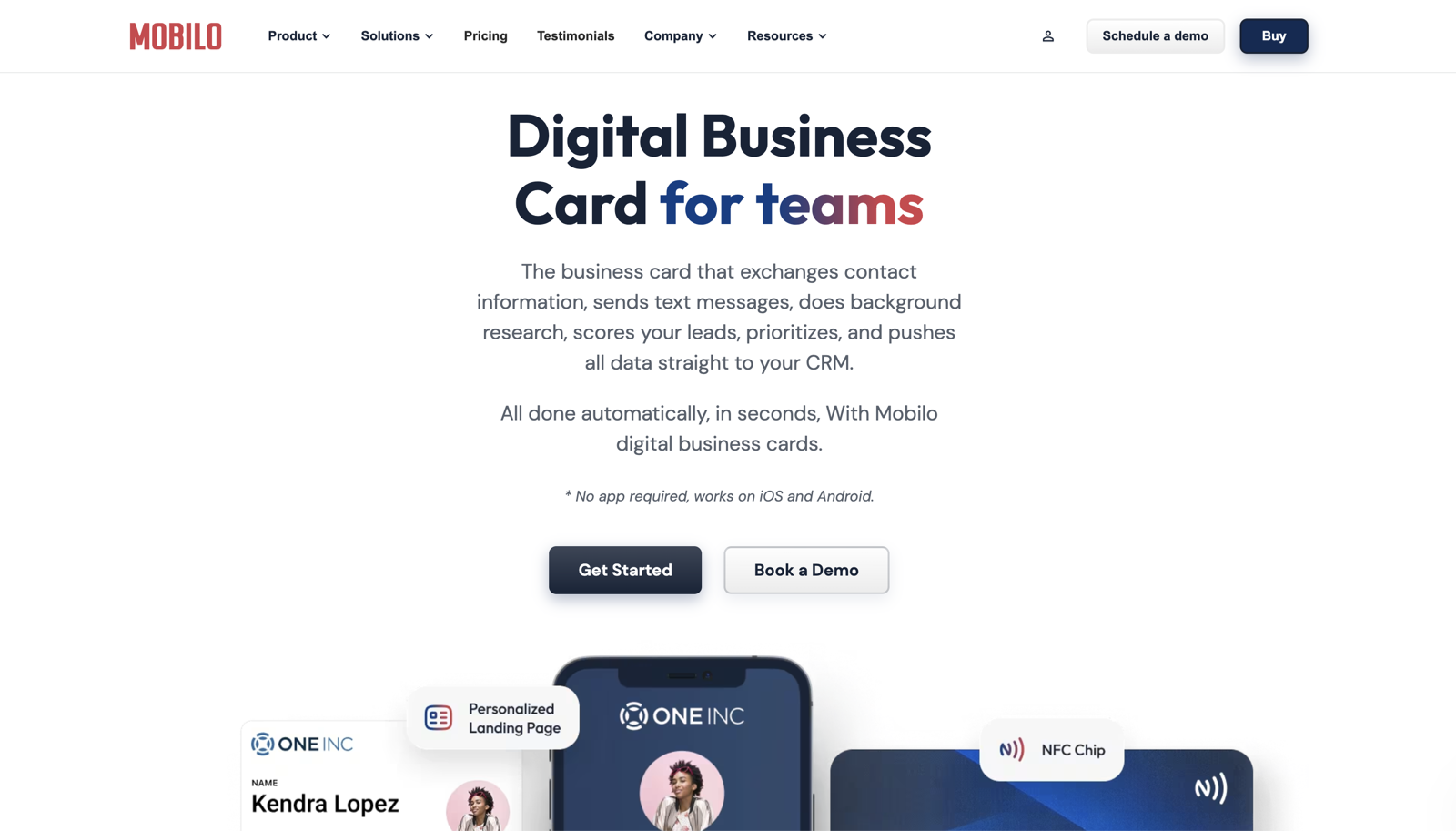
For teams and businesses that want premium NFC cards with proper admin controls and CRM integrations, Mobilo is the pick. It sits between the app-first tools and the sales-heavy ones: a strong hardware story, real team management, and contact routing into a CRM. The honest caveat is price, since it runs higher than Blinq or Popl for a single person and its team features are overkill for a solo user. For a manager equipping a sales floor who cares about card quality, it earns its place. You can explore Mobilo to see its current hardware and team plans.
Mobilo
Premium NFC cards with admin controls and CRM integrations
Best Digital Business Card for Sales Lead Capture: Popl
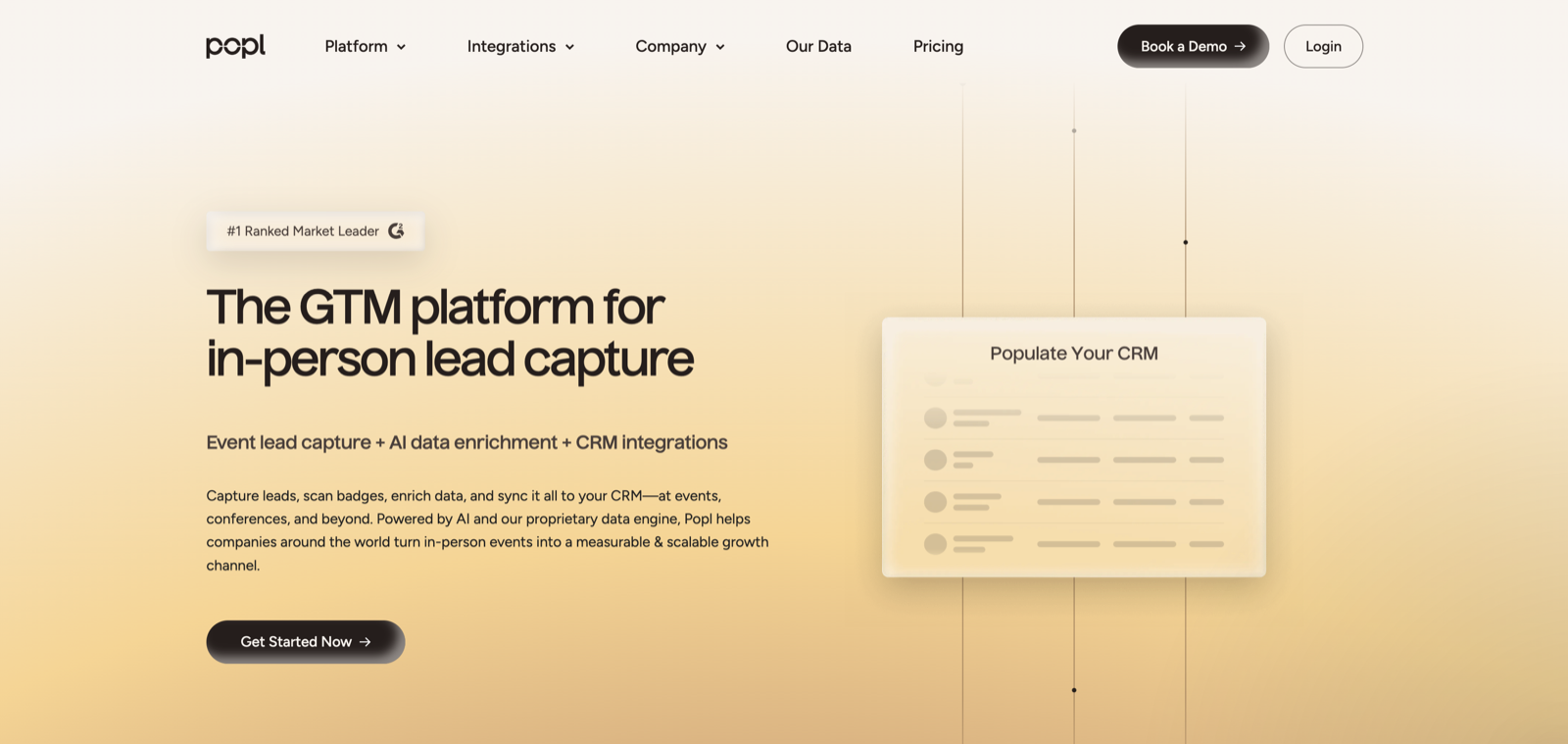
Popl is one of the most established NFC card brands, and it is built around sales teams and events. Tap a card, capture the prospect's details, and that contact flows into a CRM, with team-level analytics for managers. Its hardware range is wide. The trade-offs to know: its better features need a subscription on top of buying hardware, and its paid and team pricing is largely quote-based now rather than published. If your reason for buying is team lead capture, Popl is a serious option; if you are one person who just wants a nice card, the free app-first tools are a lighter fit. For alternatives, see our guide to the best Popl alternatives.
Popl
Mature NFC ecosystem built for sales lead capture
Other Strong Options
A few more tools are worth knowing, depending on your priorities:
- HiHello is the pick if you want a free app card with no hardware. It has a generous free tier and clean contact management, and it is app and digital-first rather than a hardware play. You can check out HiHello.
- V1CE specializes in high-end physical cards, including metal and custom-printed options, for buyers who treat the card as a status object. It is premium-priced and hardware-first. You can browse V1CE.
- Uniqode suits teams that also want QR-code marketing alongside digital cards, since the card is one feature inside a broader QR platform. You can look at Uniqode.
Best Digital Business Card for iPhone
Every major tool here works on iPhone, so the iPhone-specific question is really about Apple Wallet support and the tap experience. The best digital business card for iPhone is one that lets you add your card to Apple Wallet, so it is a swipe away, and supports both QR and NFC sharing for whoever you meet.
Blinq, Popl, HiHello, and the rest all support Apple Wallet and have native iOS apps. Modern iPhones support NFC tap-to-receive, so someone can tap your NFC card on their iPhone and see your details. For most iPhone users who network as individuals, Blinq is the best pick for the same reasons it leads overall: free to start, clear pricing, and fast setup. If you specifically want a premium NFC card to tap, Popl or V1CE give you more hardware to choose from.
Best Digital Business Card for Android
The Android story is the same in practice. All the major tools have native Android apps and support Google Wallet, and modern Android phones handle NFC tap-to-share well. There is no Android-only winner; the best digital business card for Android is the same one that fits your situation on any platform.
For an Android user networking solo, Blinq is again the straightforward pick. For a sales team on Android, Popl or Mobilo make sense for their lead capture and admin features. The key point is that platform should not drive your decision, because the good tools are cross-platform by design. Choose on price, free plan, and whether you need hardware, not on iPhone versus Android.
How to Set Up a Digital Business Card in 5 Steps
Setting up a digital business card is quick, especially on a free plan. Here is the process that works with almost any tool.
- Pick a tool and create a free account. Start with one that has a real free plan, like Blinq or HiHello, so you can see the experience before paying. Download the app or sign up on the web.
- Fill in your card details. Add your name, title, company, phone, email, and any links you want to share, such as your website, calendar, or socials. Add a photo or logo if the tool supports it; it makes the card more memorable.
- Choose how you will share. Generate your QR code and personal link, and add the card to Apple Wallet or Google Wallet so it is always handy. If you bought an NFC card, follow the app's steps to link it to your profile.
- Test it before you need it. Scan your own QR code with another phone, or tap your NFC card, and confirm the card opens and the save-to-contacts step works. A 30-second test now avoids a fumble in front of a prospect.
- Share and follow up. At your next meeting or event, share by whichever method fits, then use any view or save notifications to follow up while you are fresh in their memory.
A common mistake is over-building the card before you have used it once. Start simple, share it a few times, and add fields only when you find you want them. Another is buying hardware before you know you need it. Try QR and link sharing first; if you find yourself wanting the tap gesture, then buy an NFC card.
Best Practices and Common Mistakes
A few habits separate people who get value from a digital business card from those who set one up and forget it.
Best practices:
- Lead with the save. After sharing, say "you can save me straight to your contacts," because the save is the whole point.
- Keep the card current. Update your details the day they change, so every shared card stays accurate.
- Use the free plan until you hit a real limit. Do not pay for team features as an individual.
Common mistakes:
- Picking a tool by brand name alone. The best-known card is not automatically the best fit; match the tool to whether you are solo or a team.
- Paying for hidden pricing. If a tool will not show you the price without a sales call, factor that friction in.
- Buying premium hardware too early. A premium metal card is great if the card is part of your image, but wasteful if you mostly share by QR.
Frequently Asked Questions
What is the best digital business card?
There is no single best digital business card for everyone. For most individuals, Blinq is the best pick because it has a strong free plan, publishes its pricing, and sets up in minutes. Teams that want premium cards with admin controls should look at Mobilo, sales teams that need lead capture should consider Popl, and buyers who want a free app card have a strong option in HiHello. The best one depends on whether you are a solo networker or a team.
Are digital business cards worth it?
Yes, for most people who network at all. The main benefit is follow-through: a digital card lands in the other person's phone instead of a drawer, and it stays current when your details change. Because the best tools have genuine free plans, the cost of trying one is zero, which makes it an easy upgrade over paper.
Is there a free digital business card?
Yes. Blinq and HiHello both offer real free plans, not just trials, that let you run a working card indefinitely. You can share by QR code, link, and digital wallet without paying. You only need to pay if you want extras like multiple cards, advanced analytics, or team features.
What is the best digital business card app?
The best digital business card app for most individuals is Blinq, thanks to its free plan, clear pricing, and polished setup. HiHello is another strong app-first option with a generous free tier. For a team app with lead capture and CRM sync, Popl is the more capable choice. The right app comes down to whether you are networking as one person or managing a team.
What is the best NFC business card?
The best NFC business card depends on what you want from the hardware. Popl offers a wide, mature range of NFC cards and tags aimed at sales use. V1CE specializes in premium metal and printed cards for people who want the card itself to feel high-end. Mobilo combines premium NFC hardware with team admin controls. If you mostly share by QR or link, you may not need an NFC card at all.
Do digital business cards work on both iPhone and Android?
Yes. The major tools have native apps for both iPhone and Android and support Apple Wallet and Google Wallet. NFC tap-to-share works on modern iPhones and most recent Android phones, and QR or link sharing works on any phone with a camera and a browser. Your platform should not drive the decision.
Do I need to buy hardware to use a digital business card?
No. Every tool here can share your card by QR code, link, or digital wallet, none of which need hardware. An NFC card or tag just adds the tap-to-share gesture. App-first tools like Blinq and HiHello treat hardware as optional, while Popl and V1CE lean into premium NFC cards. Try the free, no-hardware version first and add a card later if you want the tap.
How much does a digital business card cost?
It ranges from free to premium. App-first tools like Blinq and HiHello have free plans, with paid tiers starting around $7 to $10 a month for extras. NFC cards typically cost roughly $20 to $90 each as a one-time purchase. Team plans add a per-user subscription. The biggest cost difference is whether you buy hardware and whether you need team features.
Can I keep my contacts if I switch tools later?
Usually, yes. Contacts you capture can typically be exported to a CSV file and imported into a new tool, and your card is just a profile you can rebuild. The main friction is any NFC card already printed with a fixed link, which may need to be re-encoded or replaced. Starting on a free plan keeps the switching cost low.
Which digital business card is best for a sales team?
For sales teams, the choice is usually between Popl and Mobilo. Popl is built around lead capture that feeds a CRM, with team analytics and a wide hardware range. Mobilo offers premium cards with admin controls and CRM integrations, and is more product-led for teams. Blinq's Business tier is a lighter, transparent-pricing option for teams that do not need heavy sales features.
The Bottom Line
The best digital business card is the one that fits how you actually network, not the one with the loudest marketing. A few takeaways to carry with you:
- For most individuals, an app-first card with a real free plan is the right starting point, and Blinq is the standout there.
- Teams should choose on lead capture and admin needs, which points to Popl or Mobilo, and buyers who want a premium physical card should look at V1CE.
- Platform does not matter much, since the good tools work well on both iPhone and Android, so decide on price, free plan, and whether you need hardware.
Start free, share your card a few times, and let real use tell you whether you need to upgrade. We are also building a free digital business card you can share with a tap, with no subscription and no sales call. If that sounds useful, you can join the waitlist and we will let you know the moment it is live.
Last updated: May 2026. Pricing was verified against each tool's official site at the time of writing; figures change, so check the live pricing page before buying.
Your free digital business card.
We are building a free digital business card you can share with a tap, no subscription and no sales call. Join the waitlist and we will let you know the moment it is live.
Join the waitlist →Free when it launches. No spam.